> ## Documentation Index
> Fetch the complete documentation index at: https://docs.atxp.ai/llms.txt
> Use this file to discover all available pages before exploring further.
# Create an ATXP account
> Create an ATXP account to use the ATXP SDK
## Create an ATXP account
In order to use the ATXP SDK, you need to create an ATXP account.
Visit [ATXP Accounts](https://accounts.atxp.ai/) and sign in with your Google account. Your account will receive \$5.00 in credits as a welcome bonus.
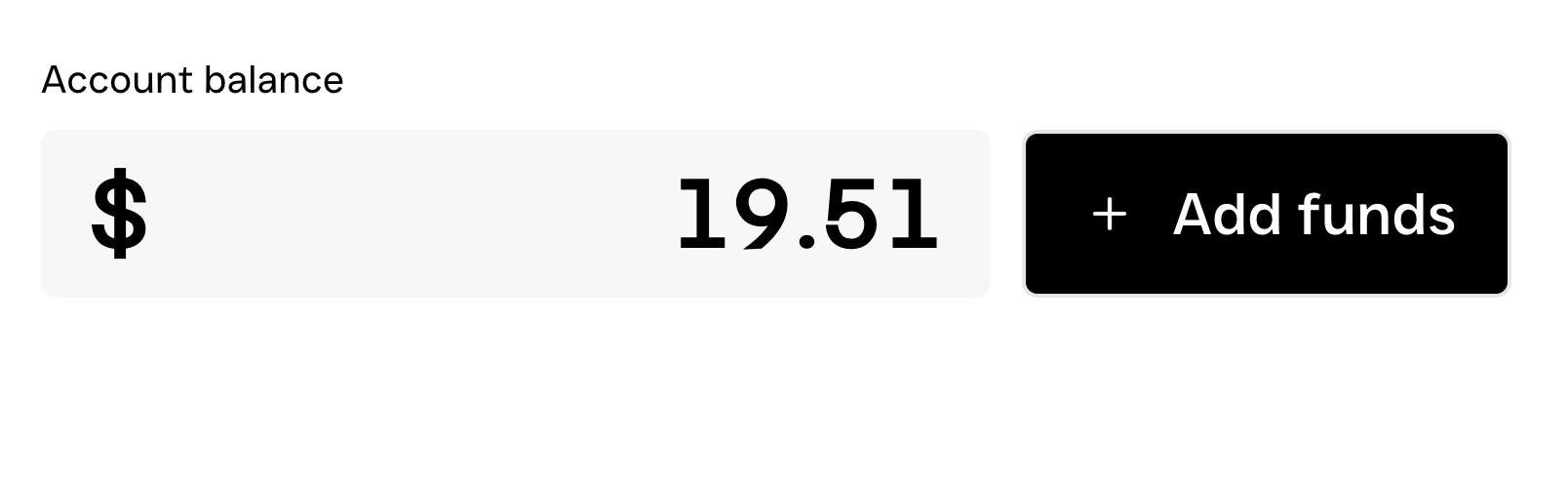 Copy your connection string and save it in an environment variable. The best way to do this is to create a `.env` file in the root of your project and add the following line:
```bash .env lines theme={null}
ATXP_CONNECTION=https://accounts.atxp.ai?connection_token=
```
Never commit your `.env` file to version control. It is a good idea to add your `.env` to your `.gitignore` file to prevent it from being committed.
```bash theme={null}
echo .env >> .gitignore
```
You now have your connection string. This connection string is tied to your Google authenticated ATXP account. You can use this connection string to connect to the ATXP SDK.
```typescript theme={null}
// Import the ATXP SDK
import { atxpClient, ATXPAccount } from '@atxp/client';
// Read the ATXP account details from environment variables
const atxpConnectionString = process.env.ATXP_CONNECTION;
// Create a client using the `atxpClient` function
const client = await atxpClient({
mcpServer: 'https://search.mcp.atxp.ai/',
account: new ATXPAccount(atxpConnectionString),
});
```
## Resources
Follow a complete tutorial to build your first ATXP‑powered agent that pays for MCP server tool calls.
Follow a complete tutorial to build your first paid MCP server with ATXP integration, from initial setup to live deployment.
Copy your connection string and save it in an environment variable. The best way to do this is to create a `.env` file in the root of your project and add the following line:
```bash .env lines theme={null}
ATXP_CONNECTION=https://accounts.atxp.ai?connection_token=
```
Never commit your `.env` file to version control. It is a good idea to add your `.env` to your `.gitignore` file to prevent it from being committed.
```bash theme={null}
echo .env >> .gitignore
```
You now have your connection string. This connection string is tied to your Google authenticated ATXP account. You can use this connection string to connect to the ATXP SDK.
```typescript theme={null}
// Import the ATXP SDK
import { atxpClient, ATXPAccount } from '@atxp/client';
// Read the ATXP account details from environment variables
const atxpConnectionString = process.env.ATXP_CONNECTION;
// Create a client using the `atxpClient` function
const client = await atxpClient({
mcpServer: 'https://search.mcp.atxp.ai/',
account: new ATXPAccount(atxpConnectionString),
});
```
## Resources
Follow a complete tutorial to build your first ATXP‑powered agent that pays for MCP server tool calls.
Follow a complete tutorial to build your first paid MCP server with ATXP integration, from initial setup to live deployment.