> ## Documentation Index
> Fetch the complete documentation index at: https://docs.atxp.ai/llms.txt
> Use this file to discover all available pages before exploring further.
# Create an ATXP account
> Create an ATXP account to receive payments
## Create an ATXP account
In order to receive payments from ATXP agents, you need to create an ATXP account.
Visit [ATXP Accounts](https://accounts.atxp.ai/) and sign in with your Google account. Your account will receive \$5.00 in credits as a welcome bonus.
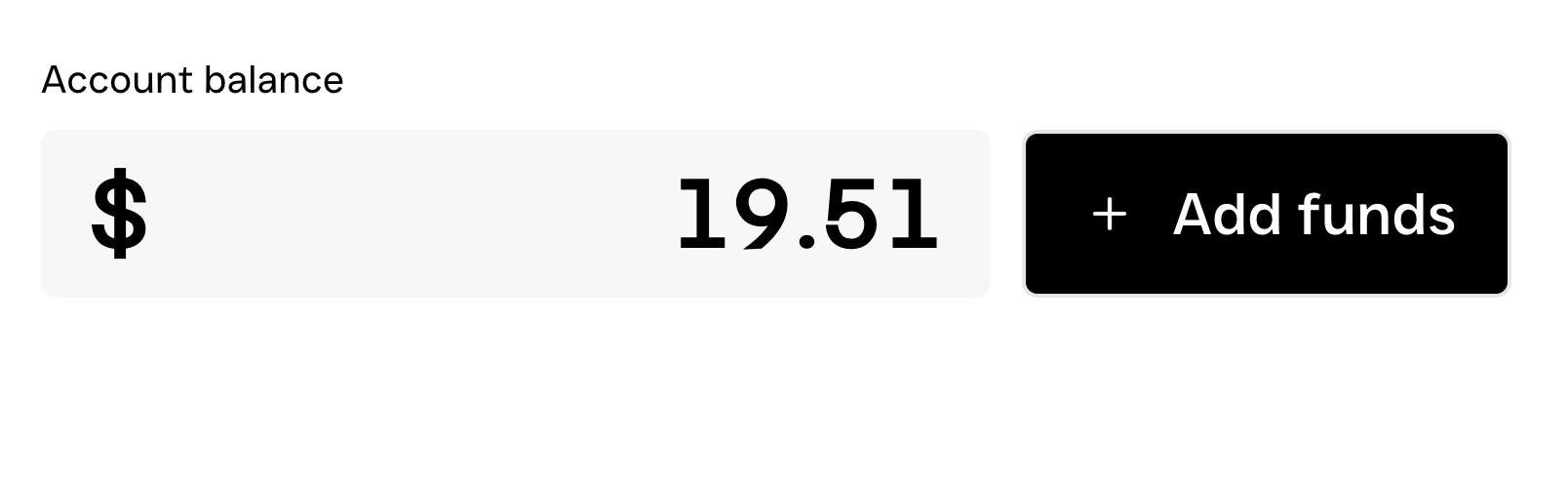
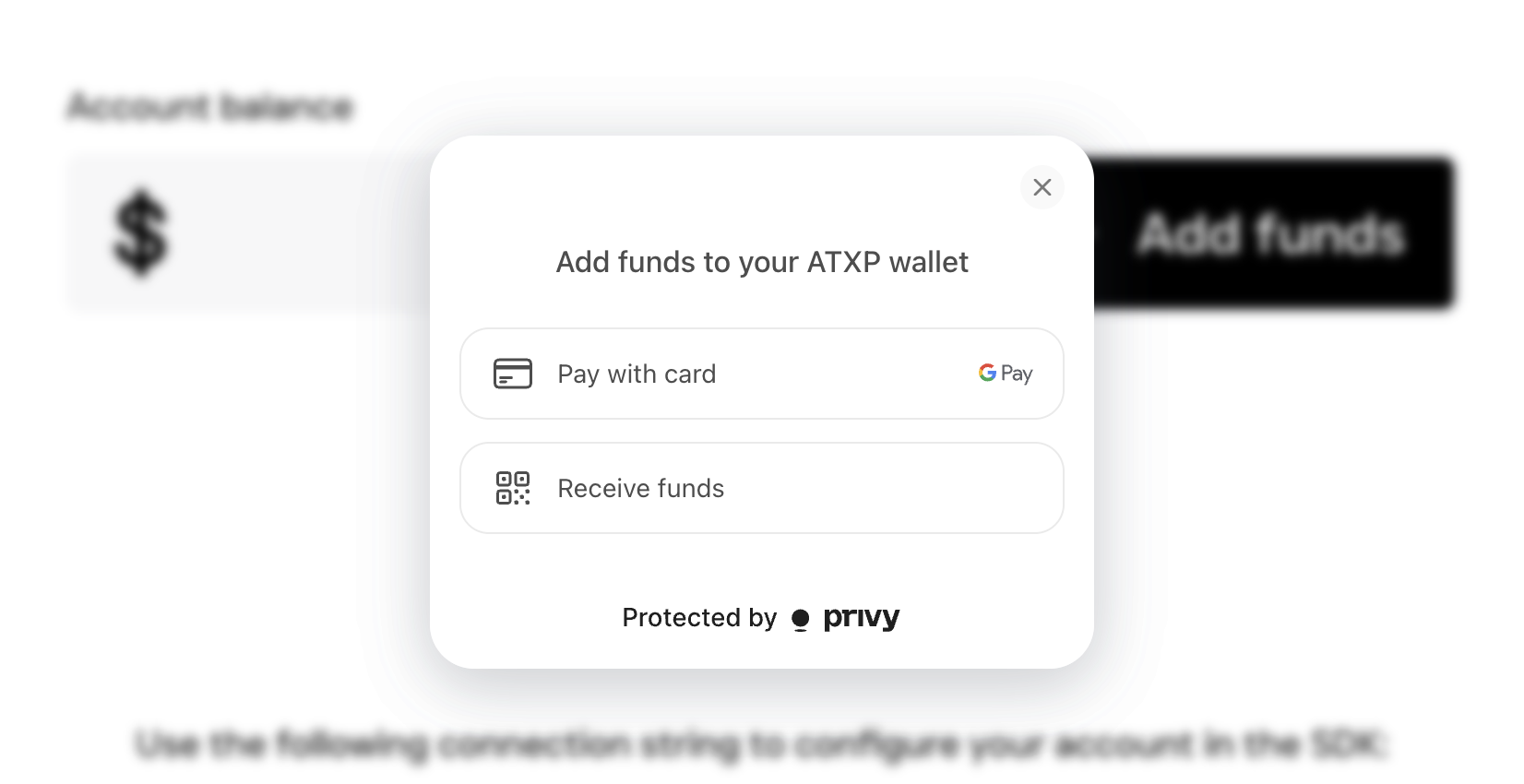
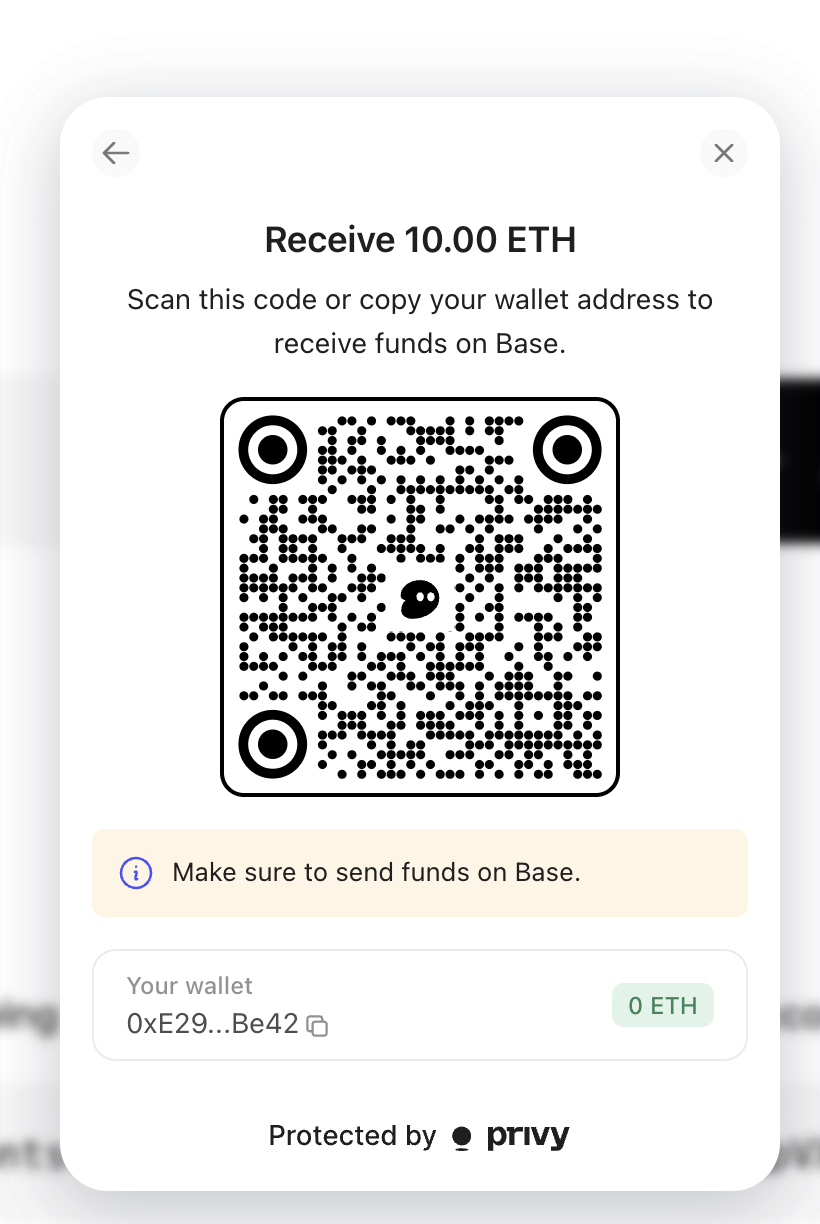 You now have your ATXP account's wallet address. This wallet is tied to your Google authenticated ATXP account. If you are an agent using an MCP server that has integrated ATXP payments, when you authentice with ATXP in order to make a payment, the payment will be made using funds in this wallet.
If you are building an MCP server and want to charge for each use of an exposed tool, you can use this address as the `destination` that [payments will be made to](/developers/monetize/tutorial#add-payment-requirements-to-tools).
## Resources
Follow a complete tutorial to build your first ATXP‑powered agent that pays for MCP server tool calls.
Follow a complete tutorial to build your first paid MCP server with ATXP integration, from initial setup to live deployment.
You now have your ATXP account's wallet address. This wallet is tied to your Google authenticated ATXP account. If you are an agent using an MCP server that has integrated ATXP payments, when you authentice with ATXP in order to make a payment, the payment will be made using funds in this wallet.
If you are building an MCP server and want to charge for each use of an exposed tool, you can use this address as the `destination` that [payments will be made to](/developers/monetize/tutorial#add-payment-requirements-to-tools).
## Resources
Follow a complete tutorial to build your first ATXP‑powered agent that pays for MCP server tool calls.
Follow a complete tutorial to build your first paid MCP server with ATXP integration, from initial setup to live deployment.