

Create an ATXP account
In order to use the ATXP SDK, you need to create an ATXP account.1
Create an ATXP account
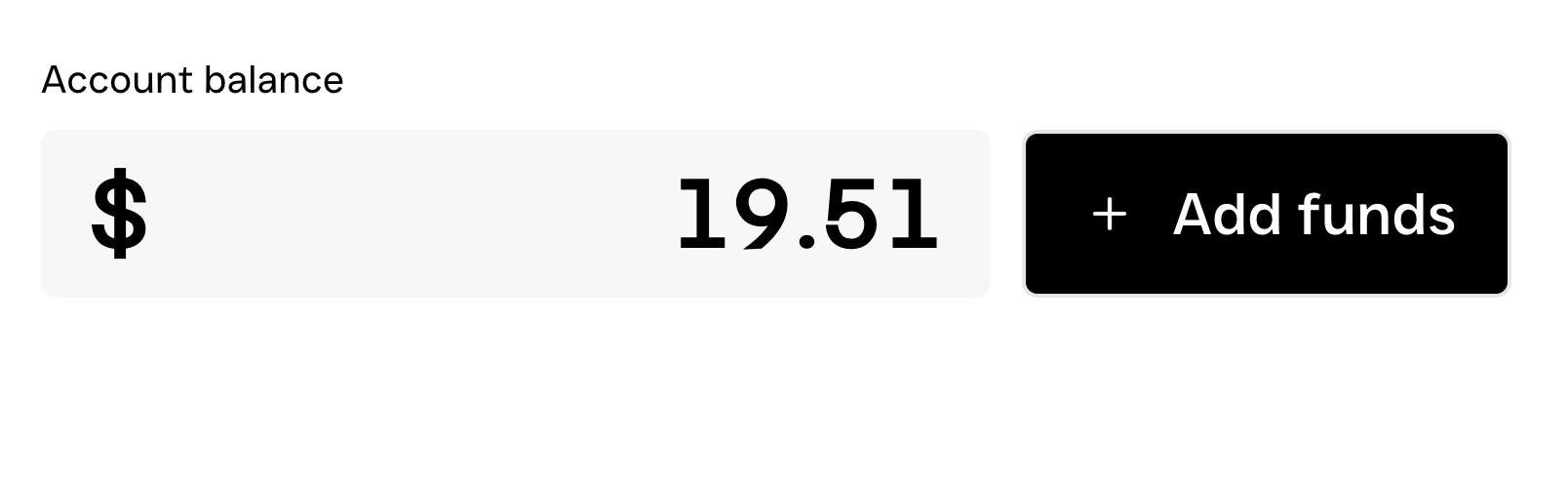
Visit ATXP Accounts and sign in with your Google account. Your account will receive $5.00 in credits as a welcome bonus.
2
Save your connection details
.env file in the root of your project and add the following line:.env
3
Use your connection string in the ATXP SDK
You now have your connection string. This connection string is tied to your Google authenticated ATXP account. You can use this connection string to connect to the ATXP SDK.
Resources
Build an agent using paid MCP servers
Follow a complete tutorial to build your first ATXP‑powered agent that pays for MCP server tool calls.
Monetize your MCP server
Follow a complete tutorial to build your first paid MCP server with ATXP integration, from initial setup to live deployment.